Data Apps for shared business reviews
Data Apps lets your team build and change a shared view of business measures in plain language. Colleagues explore measures, filter results and ask follow-up questions using their own data permissions. We help define the work it supports, prepare the data and put the application into use.
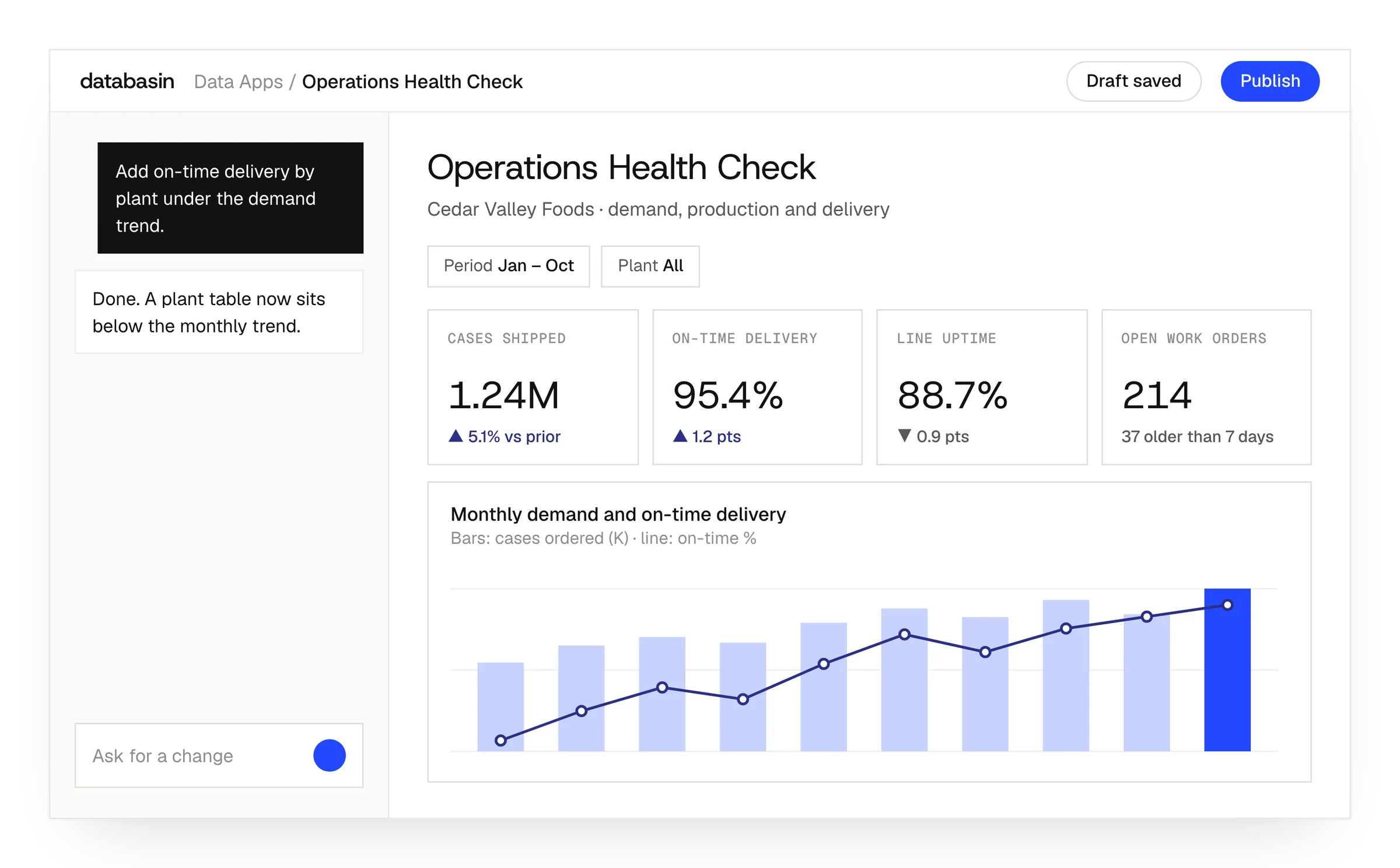




Reviewing measures together
Examining departmental performance in a recurring review
Today
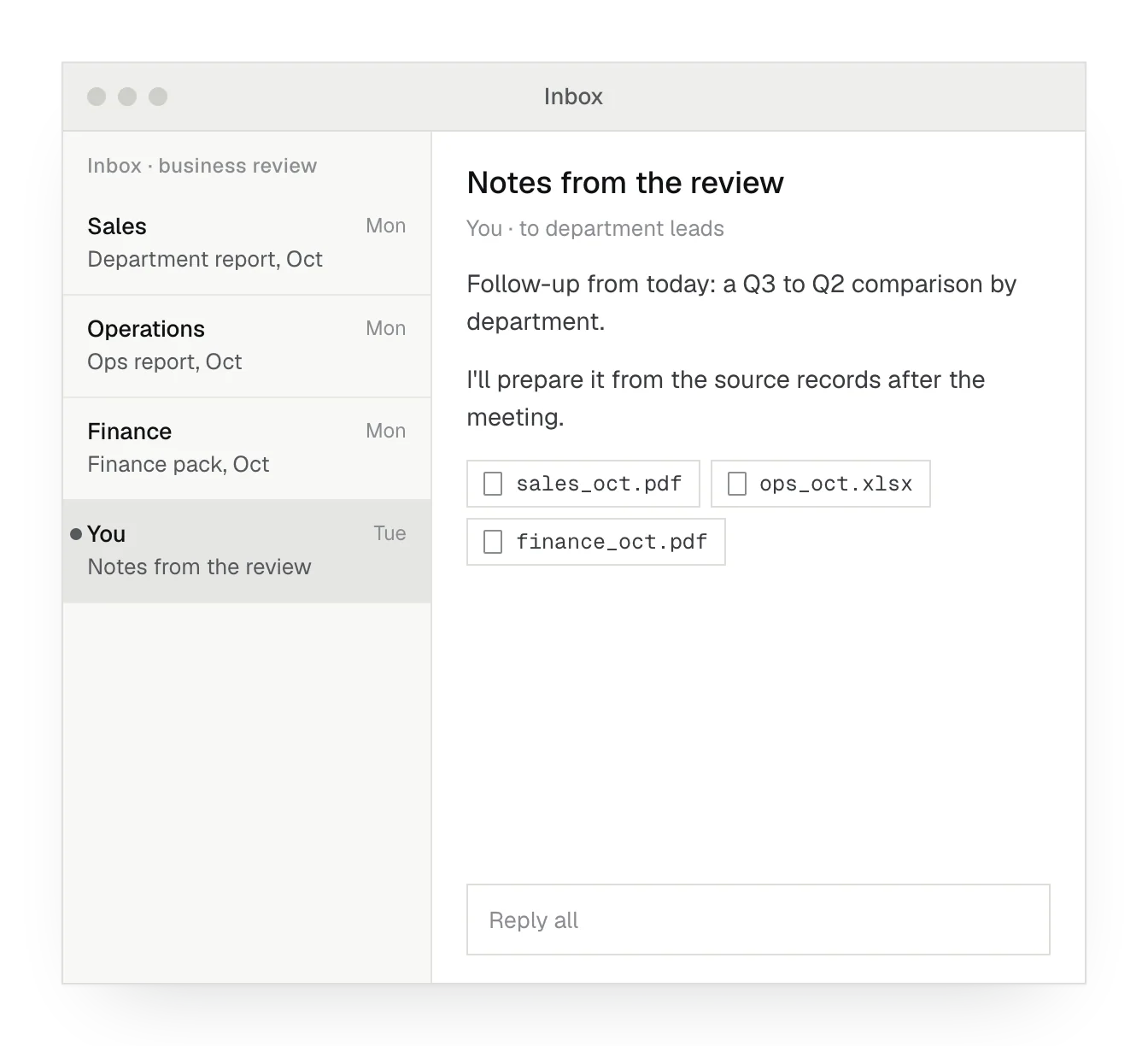
- Each department prepares its report before the business review begins.
- Discuss the figures and request a new period or department comparison.
- Prepare that comparison from the source records after the meeting.
Redesigned
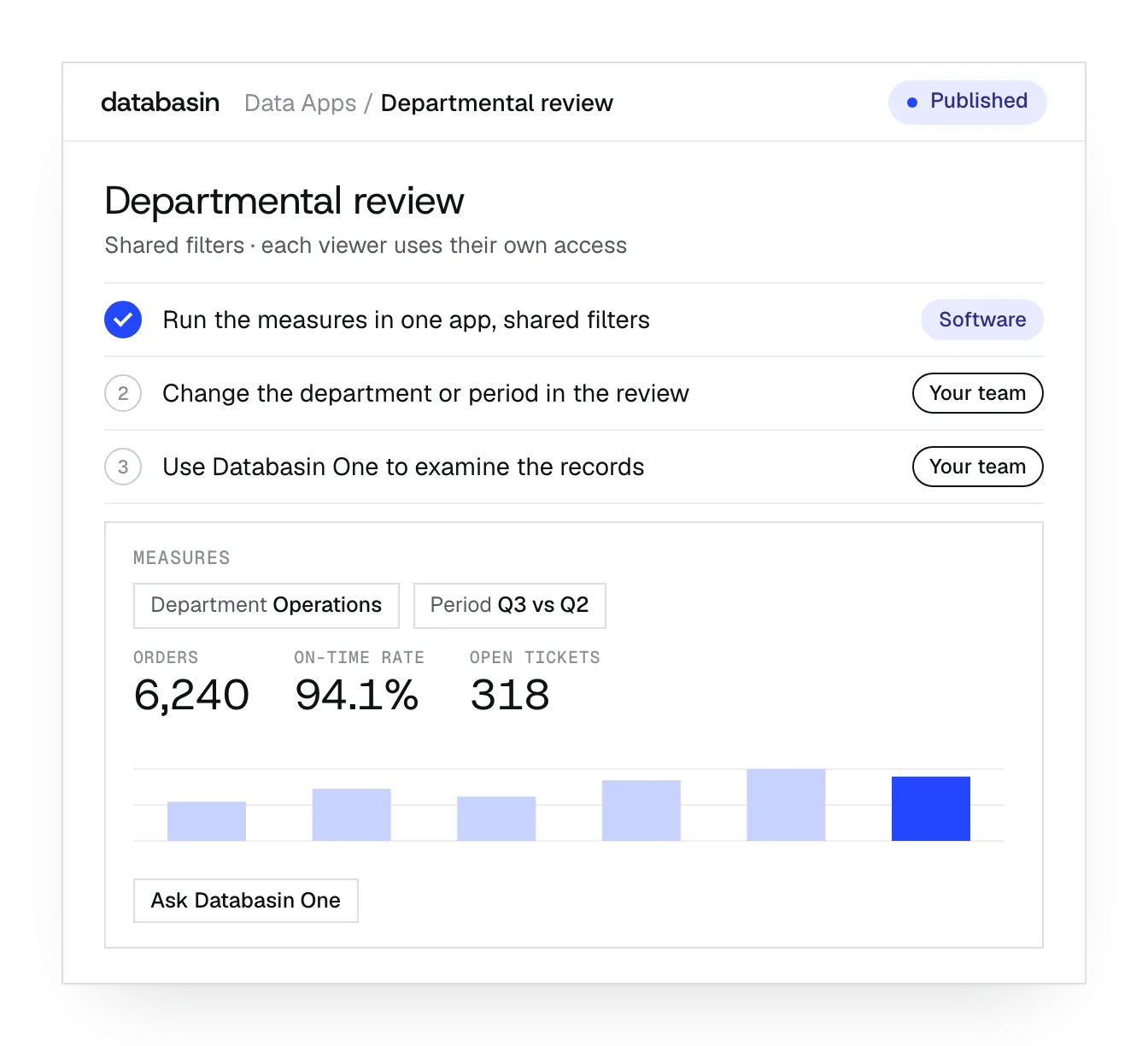
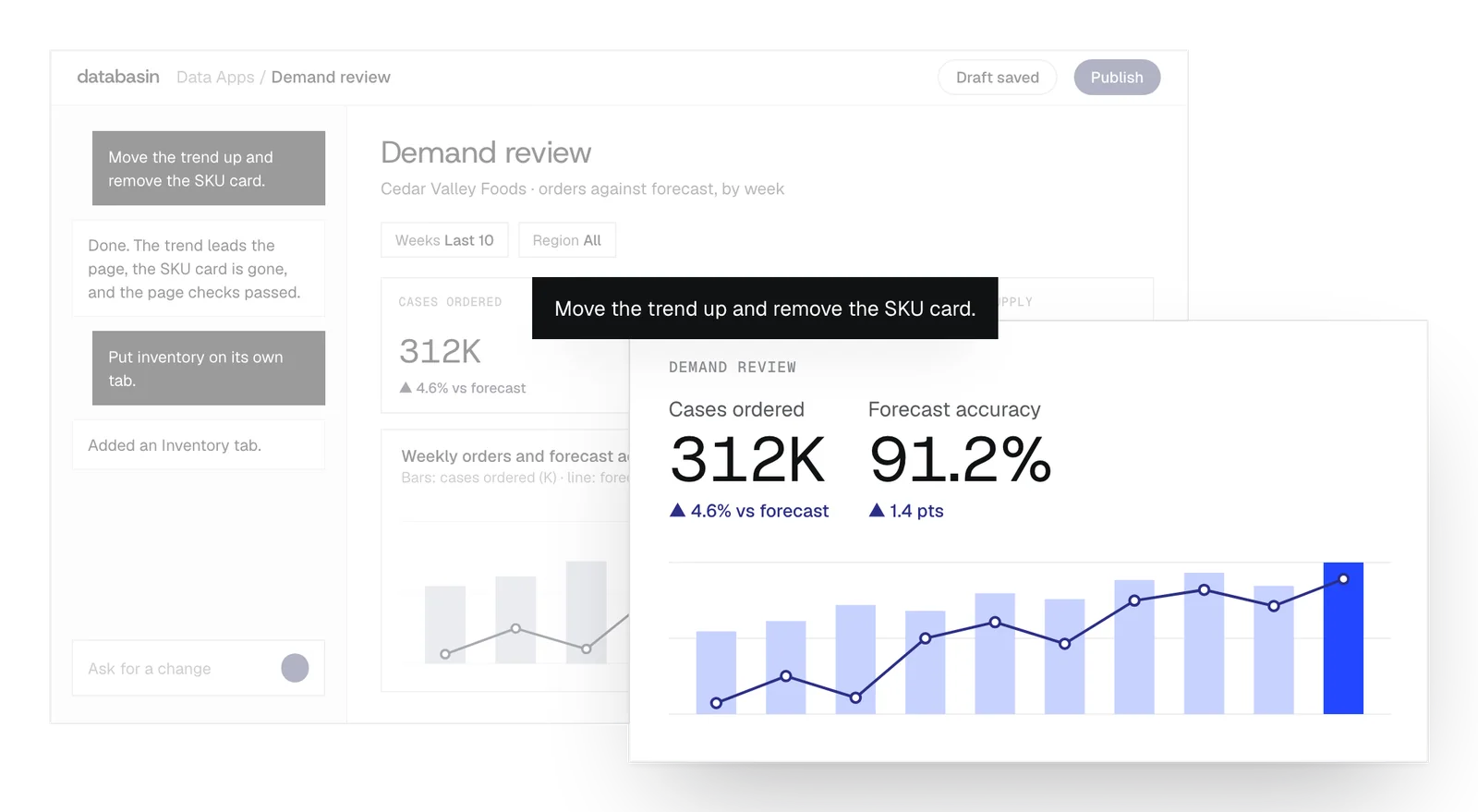
- SoftwareRun the measures in one application with shared filters.
- Your teamChange the department or period during the review.
- Your teamUse Databasin One to examine the records behind the finding.
Build around the decisions people make
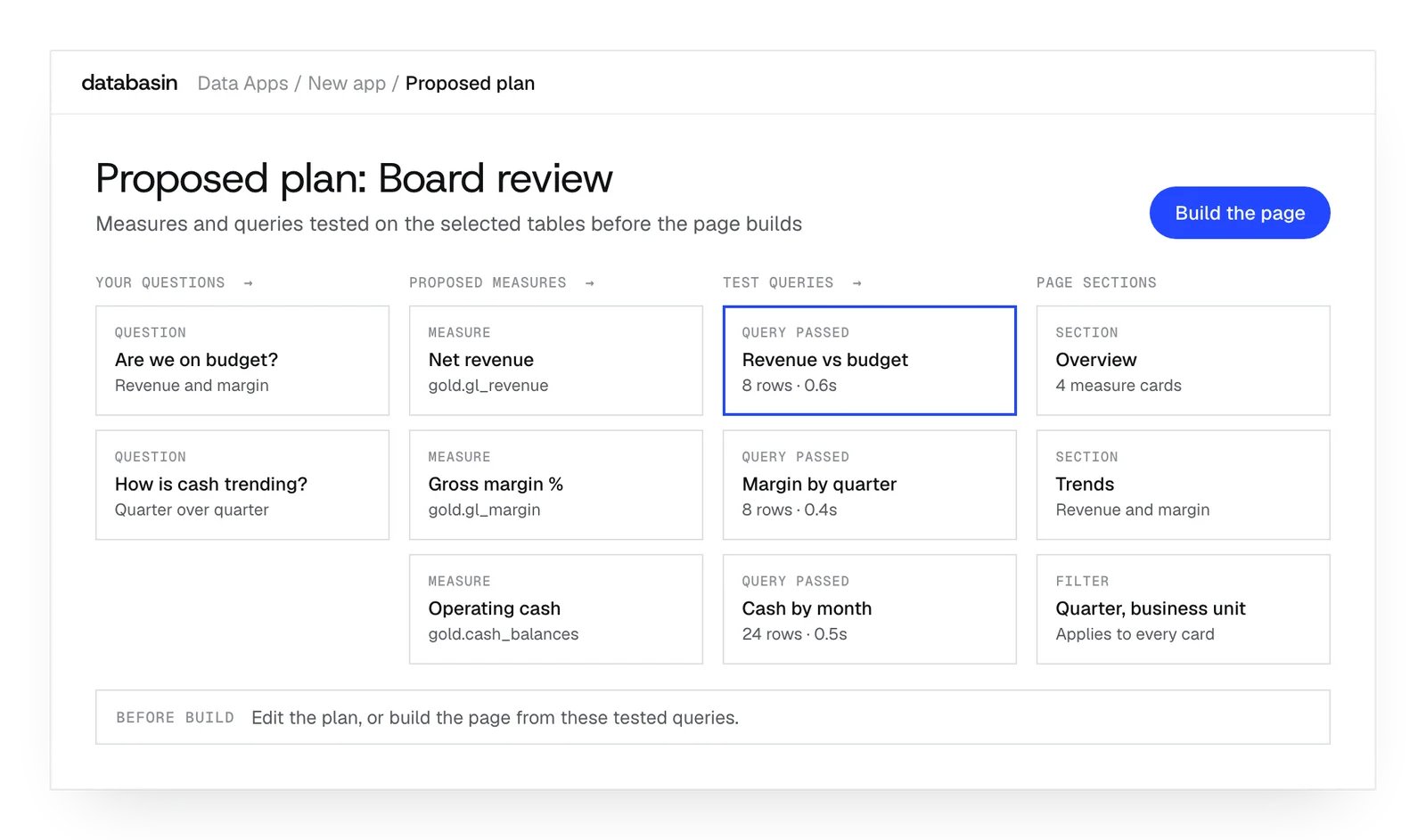
Design, Build, Run
We take responsibility for the work from defining the outcome through implementation and ongoing support.
Design
We define the outcome, current processes and expected return with your stakeholders. A working example shows how Databasin would answer your business questions.
Build
We get your first use case live in 90 days. Communication, rollout, training and success measurement are included in the work.
Run
Choose the help you need after launch. We can run the solution for you, provide monthly support hours or stay on call.
Results from customer work

- 20+ systems unifiedDatabasin brought WashU Medicine's financial data together.
- Infrastructure costs at 1/3 of the traditional approachWashU Medicine's result from changing its data infrastructure.
18%
Higher grant proposal success
Measured at a research institution working with Databasin.
“What used to take weeks or sometimes even months now happens in minutes.”
Security for business data
Databasin gives your team controls for who can use business data and records of how they use it.
Access
Your organization manages the identities people use to sign in. Data permissions apply to their work, and investigation agents have read-only access to production sources.
Regulated data
For work involving PHI or HR data, our team helps your security reviewers examine the requirements. Databasin is HIPAA-ready, with a BAA available.
Where data sits
You can use our hosted service, run Databasin in your Azure environment or use it alongside Databricks, Snowflake or Microsoft Fabric.
Audit
An answer comes with its SQL for review. Your team can also examine query logs and lineage to understand the data behind it.
Details that support shared review
Business definitions
Query measures using the definitions your team maintains in Data Exchanges.
Read-only queries
The app verifies that a query is read-only whenever it executes.
Connected filters
Apply a filter and rerun the queries behind the cards and trends.
Data exports
Keep the current filters when downloading CSV, Excel or PDF output.
Display choices
Let each viewer choose a palette and light or dark presentation.
Sample previews
Preview the ready-made app on sample records before connecting your source.
Improving regular team reviews
Reviewing operations
Compare the demand trend with operating measures and follow a change into the records that could explain it.
Preparing board discussions
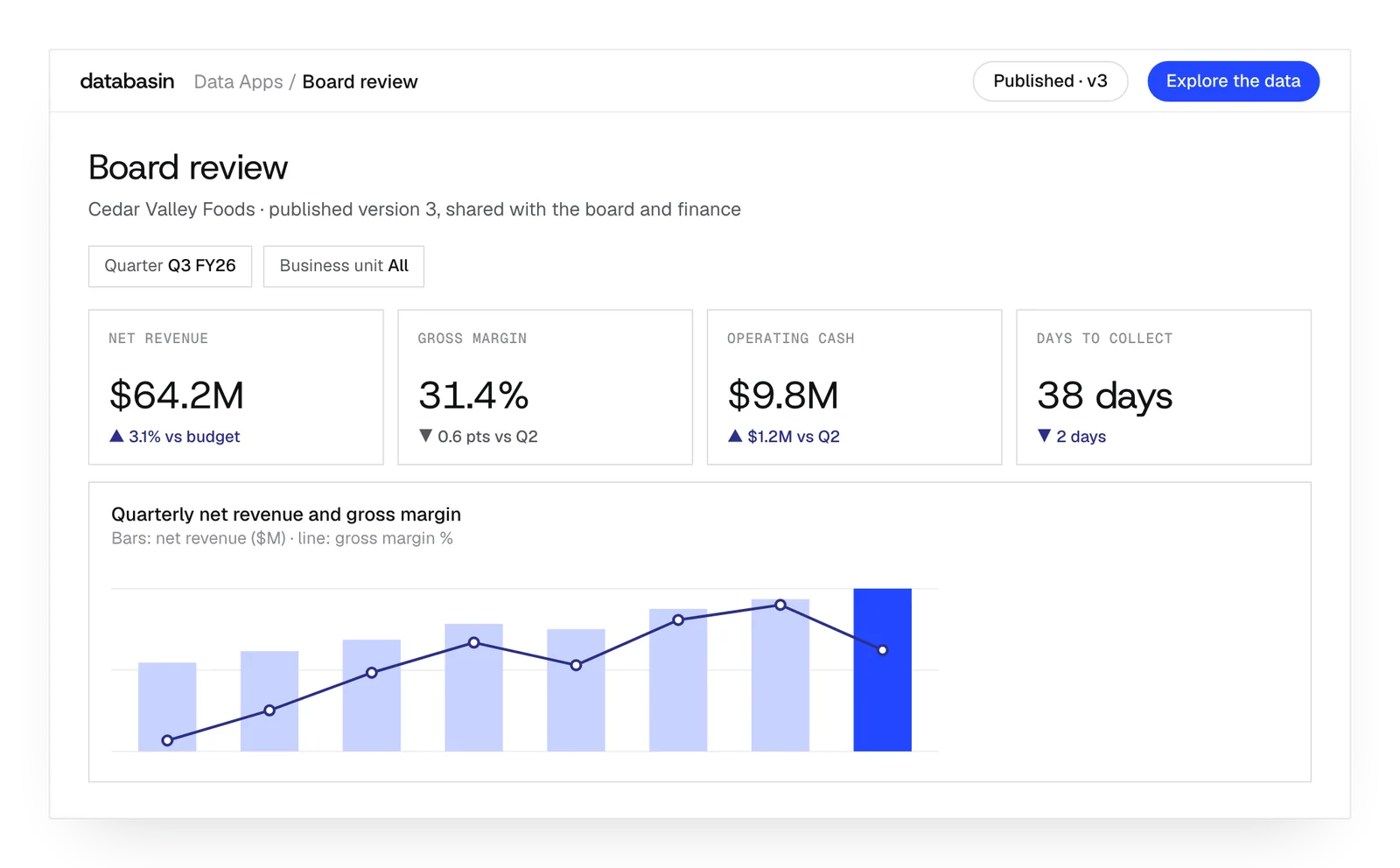
Review the board's agreed measures together, with the underlying data available to finance when a new question arises.
Reviewing workforce changes
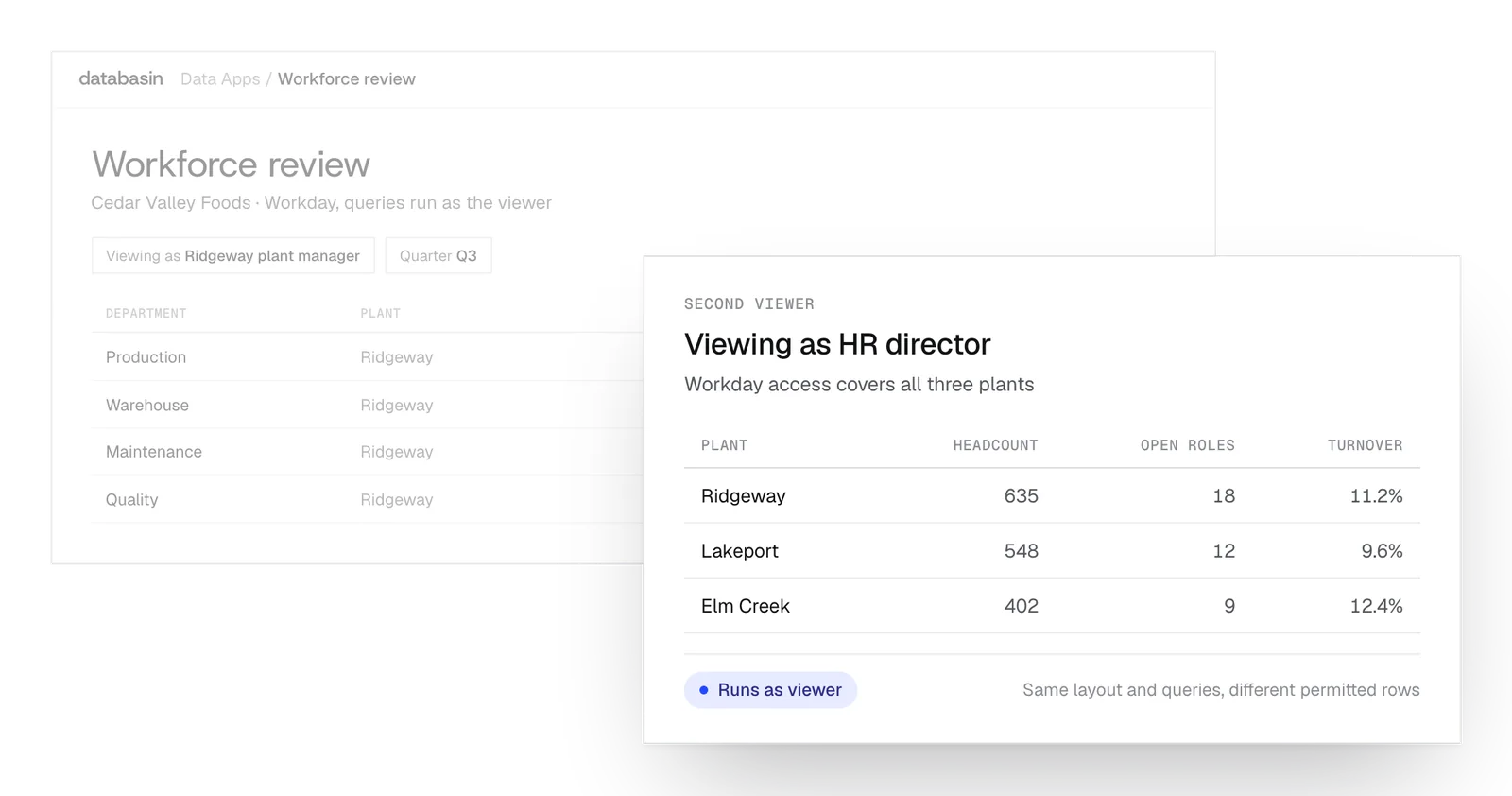
Use the period agreed by HR and finance to examine changes in the workforce across departments.
What happens next
We would like to hear where your team wants to make progress with data and AI. We can discuss a project you have in mind or explore where Databasin could help with the work.
What happens next
Book a demo
Book a conversation about your organization and the work you want to improve. Questions about where to start are welcome.
Explore the opportunity
We show a working example that answers your business questions, then discuss what it would take to deliver it for your team.
Get the first result
After agreeing the first use case, we implement it with your team. We train the people using it and measure how it performs.
FAQ
Do we need SQL to build with Data Apps?
No. You can describe the application and request changes in plain language. Data Apps provides data visualization software for people who know the business questions without writing the queries themselves. Technical review still has a role in preparing the underlying data and checking that measures represent what the team intends.
Can we import a Tableau workbook?
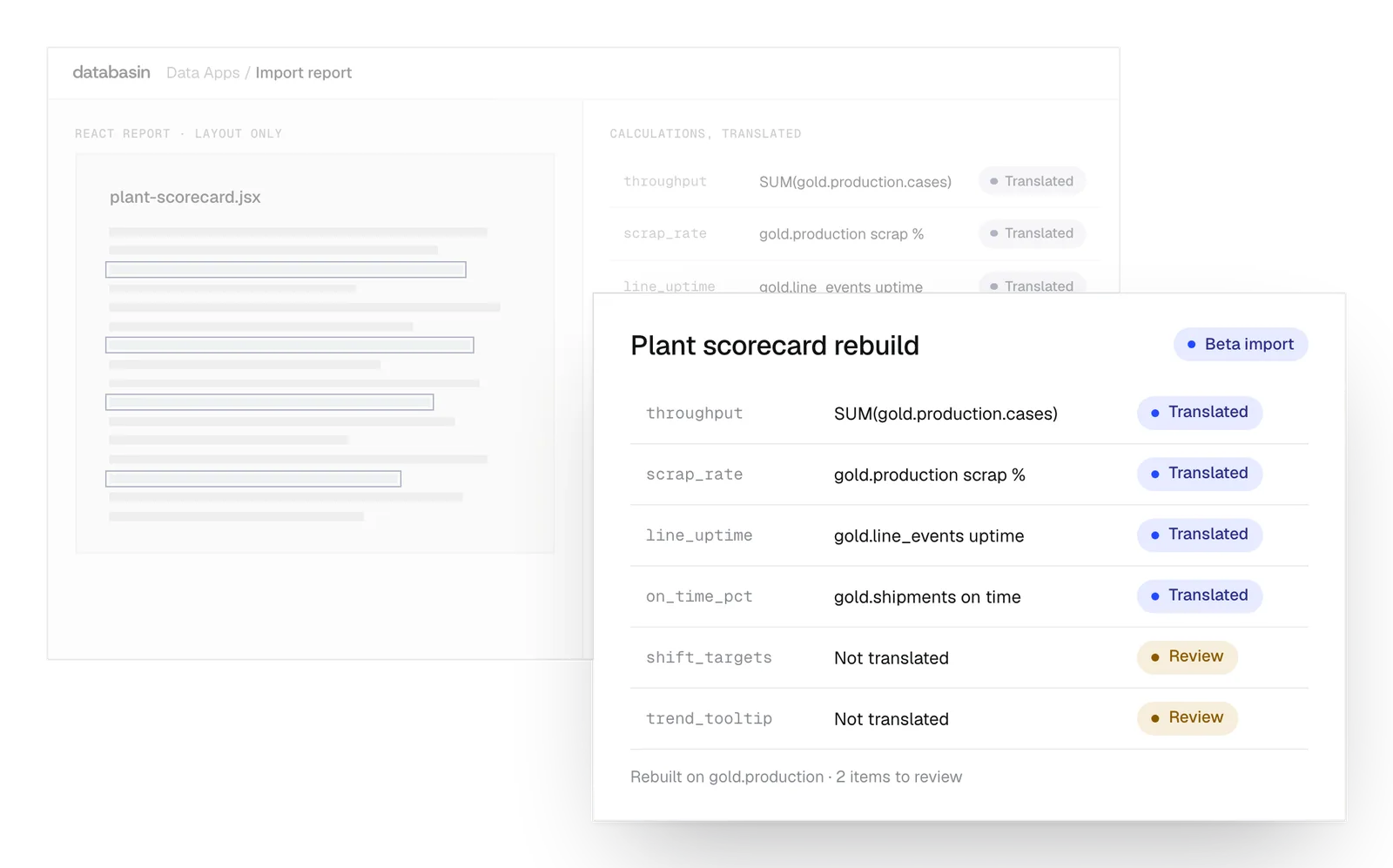
Data Apps supports Power BI and React import in beta; Tableau workbook import is planned. We can discuss the reporting work behind an existing Tableau report and how to rebuild it on Databasin. That work is distinct from automatically importing the workbook and its calculations.
Which engines can Data Apps use?
Data Apps can query Trino and Databasin Sail lakehouses, and Databricks. We establish the connection, tables and permissions for the application during implementation. Users then examine it with their own access, so the shared view returns the records each person is permitted to read through that connection.
Do ready-made connector apps work on every engine?
They currently run on Trino lakehouses. A ready-made connector app can be previewed with sample records before its source is connected. Custom applications can start from a description or an imported report. We choose their data and supported engine for the questions and measures the application needs.
Does Power BI import upload the report's underlying data?
No. Import reads the layout and calculations in the browser without opening the Power BI report's data. The rebuilt application queries Databasin tables instead. We map the original report to those tables and review the translated measures so that the new view uses the intended records and calculations.
Does a shared link make the application public on the internet?
No. A viewer still needs access to the application and the records it queries. Gallery sharing sets the audience, either named colleagues or the organization. It does not expand each person's data permissions. We prepare the audience and connection access together for the people who will use the app.
Can the data preparation run before a regular meeting?
Yes. Pipelines and automations can prepare the tables before the meeting, and the application reads them when opened. We establish the order from source updates through dependent tasks. The team can then inspect preparation before the review and see whether the expected data is available for its discussion.
What happens when the team needs a new measure?
We can add the measure after defining it with its business owner. That definition establishes the records, calculation and intended comparison. We update the model and application, then examine the results with users. New measures can be part of implementation or work covered by continuing support.